How to set up the
Telegram to Quotex Copier
This guide shows how to install and set up the Telegram to Quotex Copier. Signals from your Telegram channels, read by the built-in AI and placed on your Quotex account from your own PC - on demo until you choose real.
What you need for the Telegram to Quotex Copier
- Windows 10 or 11 (64-bit), a PC or VPS that stays on
- Google Chrome on the same computer
- The Telegram account that is in your signal channels
- Your Quotex account
How to set up the Telegram to Quotex Copier, step by step
Get your key
Sign up free at tpcopier.com, open Software and press Start free demo on the Telegram → Quotex Copier card - a demo key for a few days, nothing to pay. Buy it later on the same card: the demo key itself becomes lifetime, so you never type a new one.
Download the app
On the same card press Download. Keep the .exe in a folder of its own on the Windows PC or VPS it will run on, for example C:\TPcopier.
Start it
Double-click the .exe. If Windows says "Windows protected your PC", press More info, then Run anyway - it is TPcopier's own build, and tpcopier.com checks every copy's fingerprint when it is activated. If your antivirus holds it back, allow the file.
Activate your key
Paste the key and press Activate. One key works on one computer; to move it, write to us.
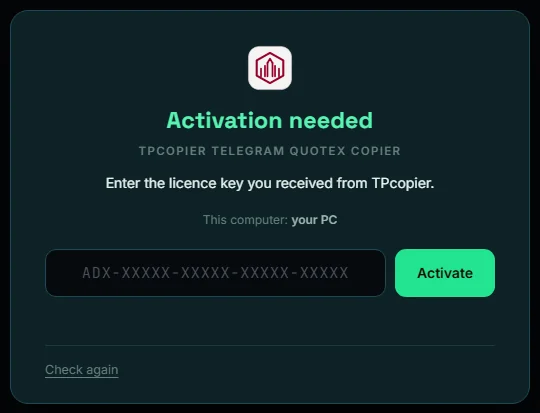
Activate your key - the app's own screen. Sign in to Telegram
Enter your phone number, then the code Telegram sends to your Telegram app (and your two-step password, if you use one). The Telegram keys are built in.
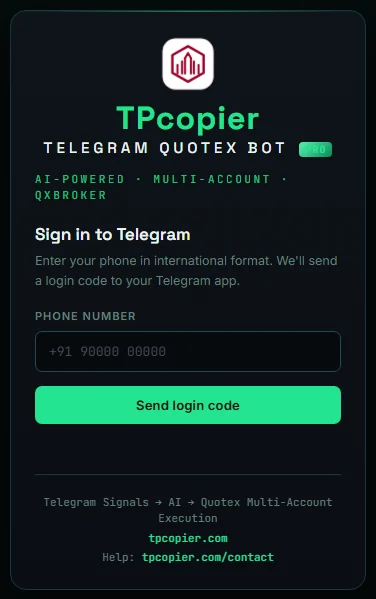
Sign in to Telegram - the app's own screen. Pick your signal channels
Open Channels and switch on the channels whose signals you copy. The AI engine is built in and reads every signal for you.
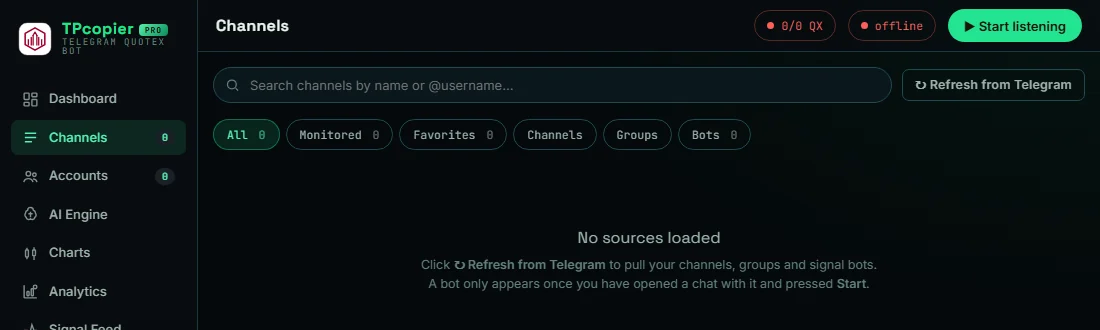
Pick your signal channels - the app's own screen. Connect your Quotex account
Open Accounts, add your Quotex account and press Browser login: a Chrome window opens on Quotex and you sign in yourself. The session is kept, so you do it once.
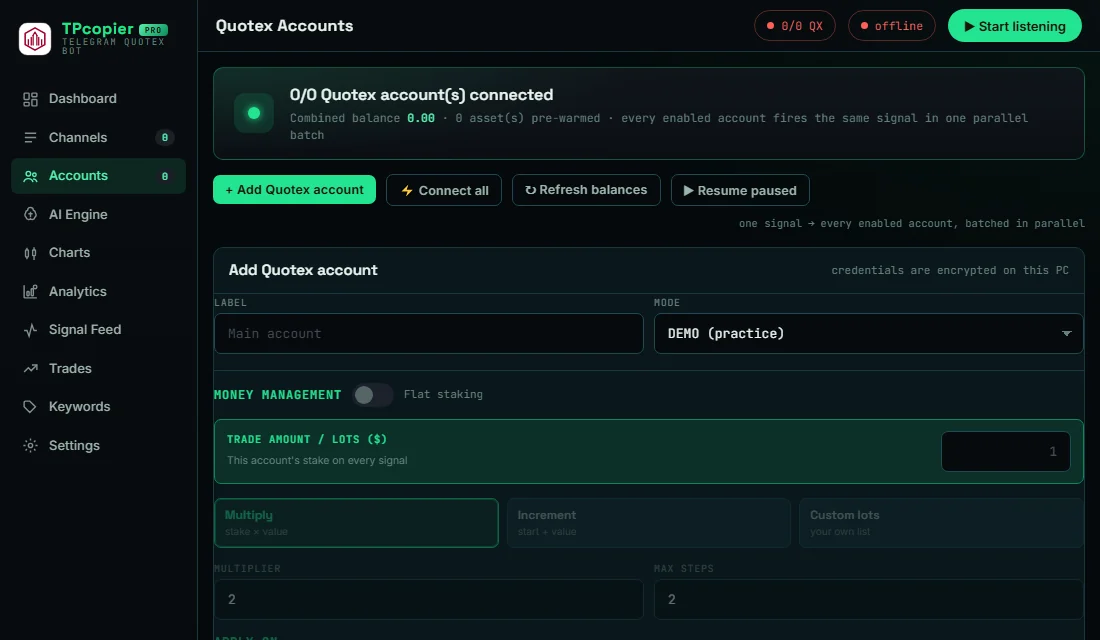
Connect your Quotex account - the app's own screen. Stay on DEMO first
Every account starts on DEMO. In Settings set the trade amount, the martingale - by message (the default: a gale only when the signal gives one, as many as it gives) or your own system - and your daily stop. Switch to REAL only when the demo trades look right.
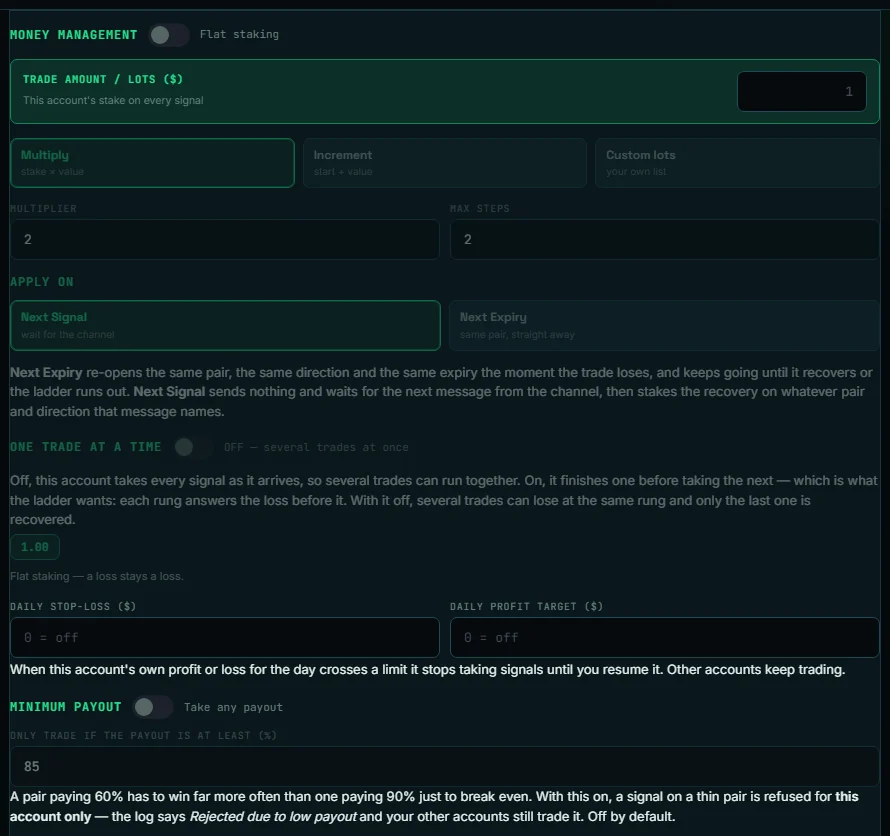
Stay on DEMO first - the app's own screen. Start listening
Press Start listening. Each signal is placed on your account at once - the Trades page shows every trade and its result.
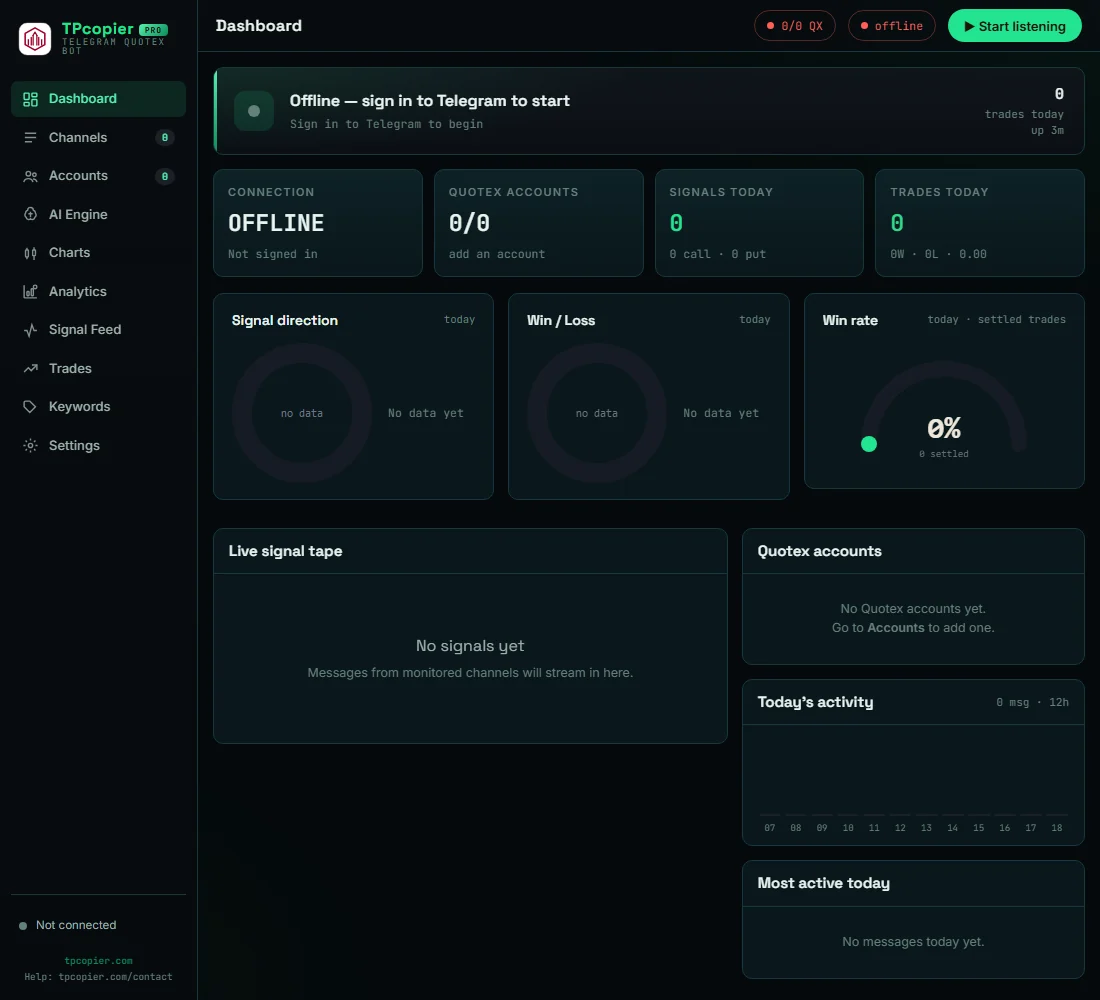
Start listening - the app's own screen.
Telegram to Quotex Copier: questions and answers
Is there a free demo?
Yes - Start free demo on the app's card gives you a key for a few days. When you buy, that same key becomes lifetime.
Can it run on a VPS?
Yes - any Windows 10, 11 or Windows Server VPS. It trades while that computer is on.
Can I move my key to another computer?
One key works on one computer. To move it, write to us and we free it.