What the Pocket Option signal copier does
The TPcopier Pocket Option signal copier runs in our cloud. It reads the Telegram, WhatsApp and Discord channels you link, and your TradingView alerts. Then it places each signal as a CALL or PUT on every Pocket Option account you connect, so your PC can stay off.
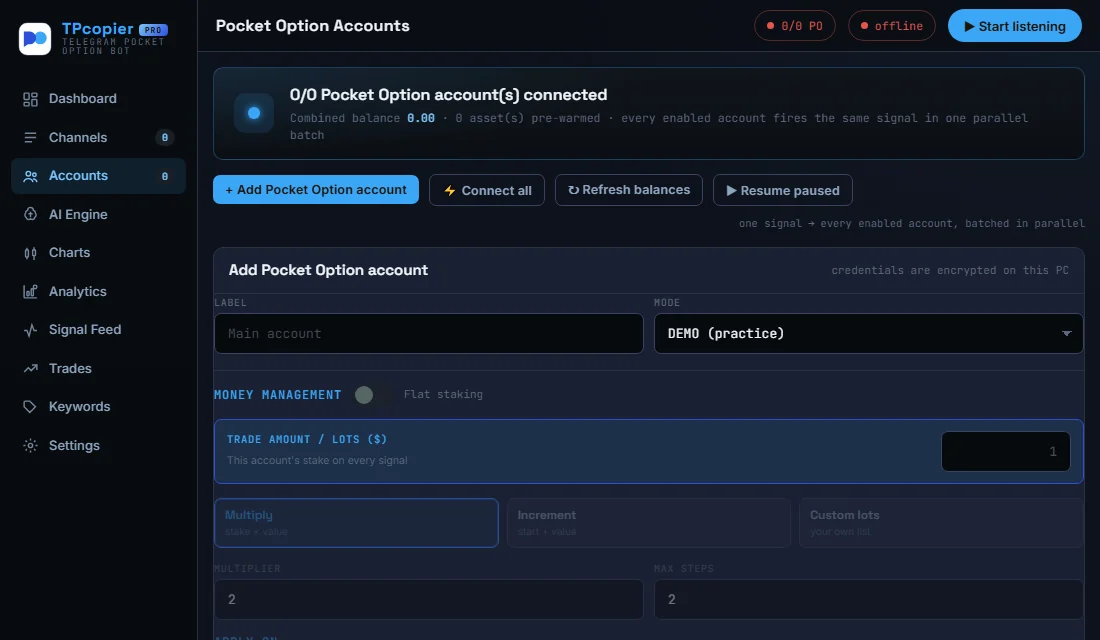
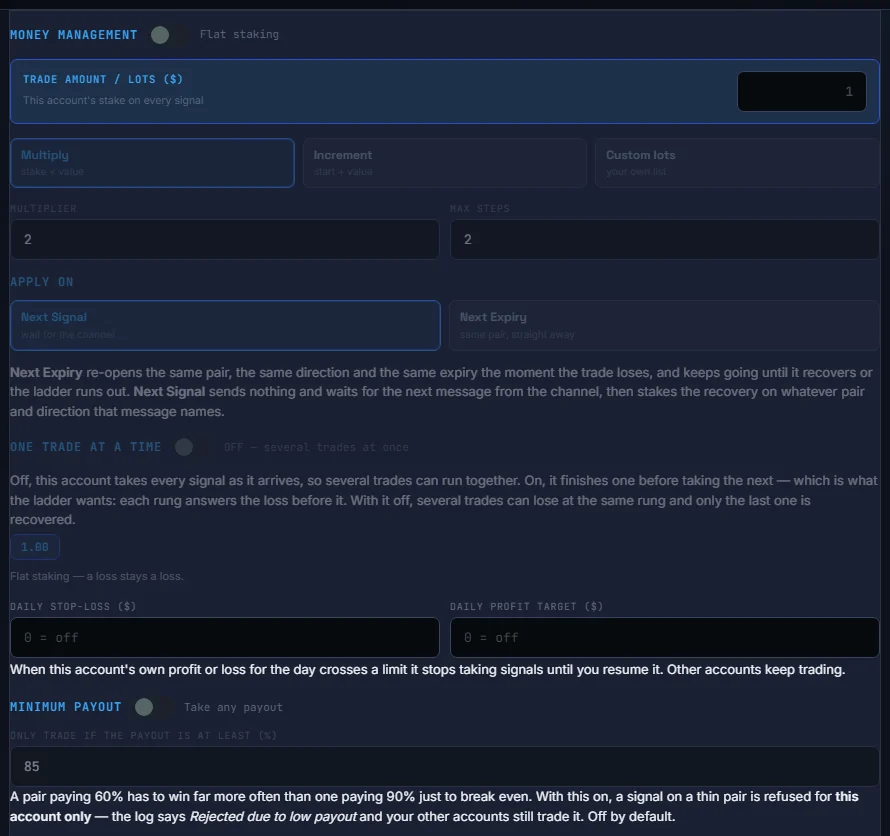
You sign in on Pocket Option’s own page, opened right on TPcopier, and we keep only the session. Every account starts on demo. Pocket Option keeps demo and real on separate servers, so the copier connects each mode on its own. You choose the stake for each account. The martingale follows the signal’s own message unless you set your own steps.
Before each order, the Pocket Option signal copier checks your rules, such as the minimum payout and the expiry range. A timed signal waits for its entry time on the broker’s clock. Pocket Option takes expiries from 5 seconds up to 12 hours, OTC pairs included.
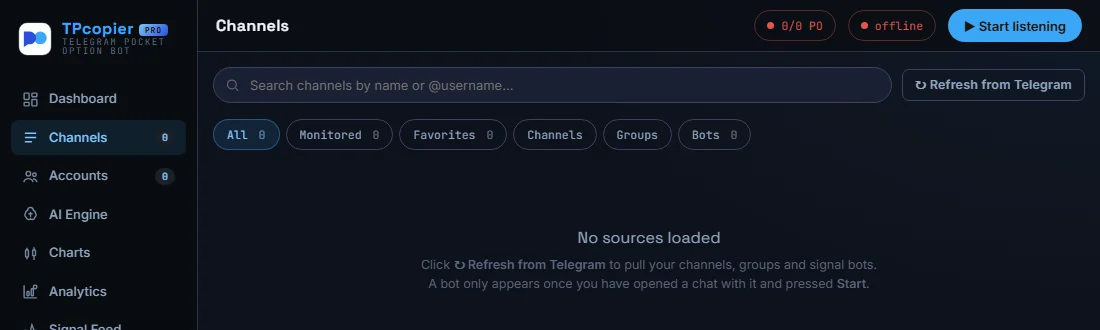
Our pay-once Pocket Option signal copier app for Windows, on its Channels page before you load any channel. Refresh from Telegram pulls in your channels, groups and signal bots.
Pocket Option trade copier and auto trading
The Pocket Option trade copier works the other way round. You trade on one main Pocket Option account, by hand or from a signal. Each follower account then gets the same trade the moment it opens: the same stake, a fixed amount or a multiple. That is the binary trade copier, and it runs next to the Pocket Option signal copier.
So Pocket Option auto trading can cover one account or many, and the same channel can also trade your accounts at the other six brokers. The Pocket Option signal bot guide walks through the setup. TPcopier is not linked to Pocket Option and gives no trading advice. Check that the law where you live allows binary options - the CFTC warns about binary options fraud.