TradingView to Zerodha: Send Alerts to Kite From Your Own PC
TradingView to Zerodha comes in two forms, and people searching for it usually mean the second. Kite already has TradingView charts built in. Zerodha's Trade from Charts feature lets you click Buy or Sell on them. You still place every one of those orders by hand, and Kite's own chart alerts don't place anything. For an alert to place the order on its own, it has to reach a program that holds your Kite Connect keys. That program is the Indian TvCopier, Windows software from TPcopier that runs on your own PC or VPS. We checked every setting below against version 1.4.4 of the app on 5 November 2026.
Why the order leaves from your computer
SEBI's framework for retail algo trading has been fully in force since 1 April 2026. Under the exchanges' standards for it, a broker accepts an API order only from a static IP registered to that client. A family may share one address. Zerodha refuses an order that comes from someone else's server. That is why the TvCopier is software you install rather than a website. TradingView's webhook lands on your machine, and the order goes to Kite from the address Zerodha has on file. TPcopier's servers check your licence and nothing more.
So, does Zerodha allow automated trading? Yes, through Kite Connect, its API, from your registered IP. A strategy needs registering with the exchange only above the exchanges' threshold of 10 orders a second. A copier placing a few alerts a session is far below it.
What you need before the first alert
| Item | Why | Cost |
|---|---|---|
| A TradingView plan with webhook alerts | Free accounts can't send webhooks, and TradingView sends them only once 2-factor authentication is on (TradingView's webhook guide) | TradingView's price |
| A Kite Connect app on the paid Connect plan | The app reads live prices through Kite's /quote/ltp call to price its protective limits. Kite's free Personal plan places orders but has no live market data |
₹500 a month on kite.trade (checked 5 Nov 2026) |
| A Windows PC or VPS with a static IP | The IP Zerodha has registered for your API orders | Your provider's price |
| Port 80 reachable from the internet | TradingView sends webhooks only to port 80 or 443 | Free |
| The Indian TvCopier | Takes the alert and places the Kite order | $150 once, 2-day demo first |
Most home lines from Jio, Airtel and other Indian providers share one public address between many customers. TradingView can't reach a PC behind such an address, whatever the firewall allows. The app's own TradingView page warns about this. A small Windows VPS in Mumbai solves both problems. It has a fixed IP to register with Zerodha and a public address TradingView can reach.
How to connect TradingView to Zerodha, step by step
1. Get the demo key and install the app
On the Indian broker software page, start the free demo. Your TPcopier account then shows the Indian TvCopier card with a demo key and the Windows download. The demo runs the full program for two days on one computer with one broker account. Its days count from the first activation. Run the installer on the machine with the static IP. It needs Microsoft WebView2, which Windows 11 already has; on Windows 10 the app asks before installing it. Paste the key on the first screen and press Activate.
 The activation screen: paste the TPC- key and the app names this computer (version 1.1.0 shown, example).
2. Register the static IP and create the Kite Connect app
The Dashboard shows a Static IP band with a Copy button. Register that address with Zerodha for API orders. On developers.kite.trade, create your Kite Connect app, which gives you an API key and an API secret. In the same app, set the Redirect URL to http://127.0.0.1:51204/zerodha/callback, the address the program shows on the Zerodha account. If your public IP ever changes, the band warns you, and Zerodha refuses orders until it has the new address.
 The Dashboard: the Static IP band, today's orders and the busiest sources (version 1.1.0, documentation IP, example data).
3. Add the Zerodha account
Open Accounts, press + Connect a broker and pick Zerodha (Kite Connect). Paste the API key and secret, then press Save this account. The form comes with Paper ticked. A Paper account fills each order inside the app at Kite's live price and sends nothing to Zerodha. It's the safe way to watch a new strategy for a few sessions. Untick it when you want real orders.
Then press Settings on the account. Equity, options, commodity and currency each have their own block for size, product and stop:
- Quantity: Fixed lots sends Lots per trade whenever the alert names no size. Auto lots, from the stop loss sizes the trade so a stop-out loses your Risk per trade (₹). With no usable stop, it falls back to fixed.
- Most lots in one order starts at 1, so the app refuses a "lots": 5 alert until you raise it. 0 means no limit, and Auto never goes above it.
- Product: Intraday (MIS) by default, Carry forward (NRML) for options you hold overnight, Delivery (CNC) for shares.
- Most orders in a day starts at 10 entries. Exits are never counted.
 The Zerodha account form with the Log in with Kite box and its redirect address (version 1.1.0, example). Version 1.4 moved size and product into per-market blocks, and it refuses futures alerts.
4. Log in with Kite each morning
A Kite access token expires at 6 AM the next day, as Kite Connect's login documentation states. You can't set it once and forget it. Press Log in with Kite. Zerodha's own login page opens in your browser, and you sign in there. Zerodha then sends the browser back to the app with a request token. The app trades that token, plus a checksum of your API secret, for the day's access token.
Your Zerodha password only ever goes to Zerodha's page. Each login link works once and lasts ten minutes, so an old link can't slip in another login. Back in the program, press Save & test the connection. A working token answers "connected as" and your Kite user name.
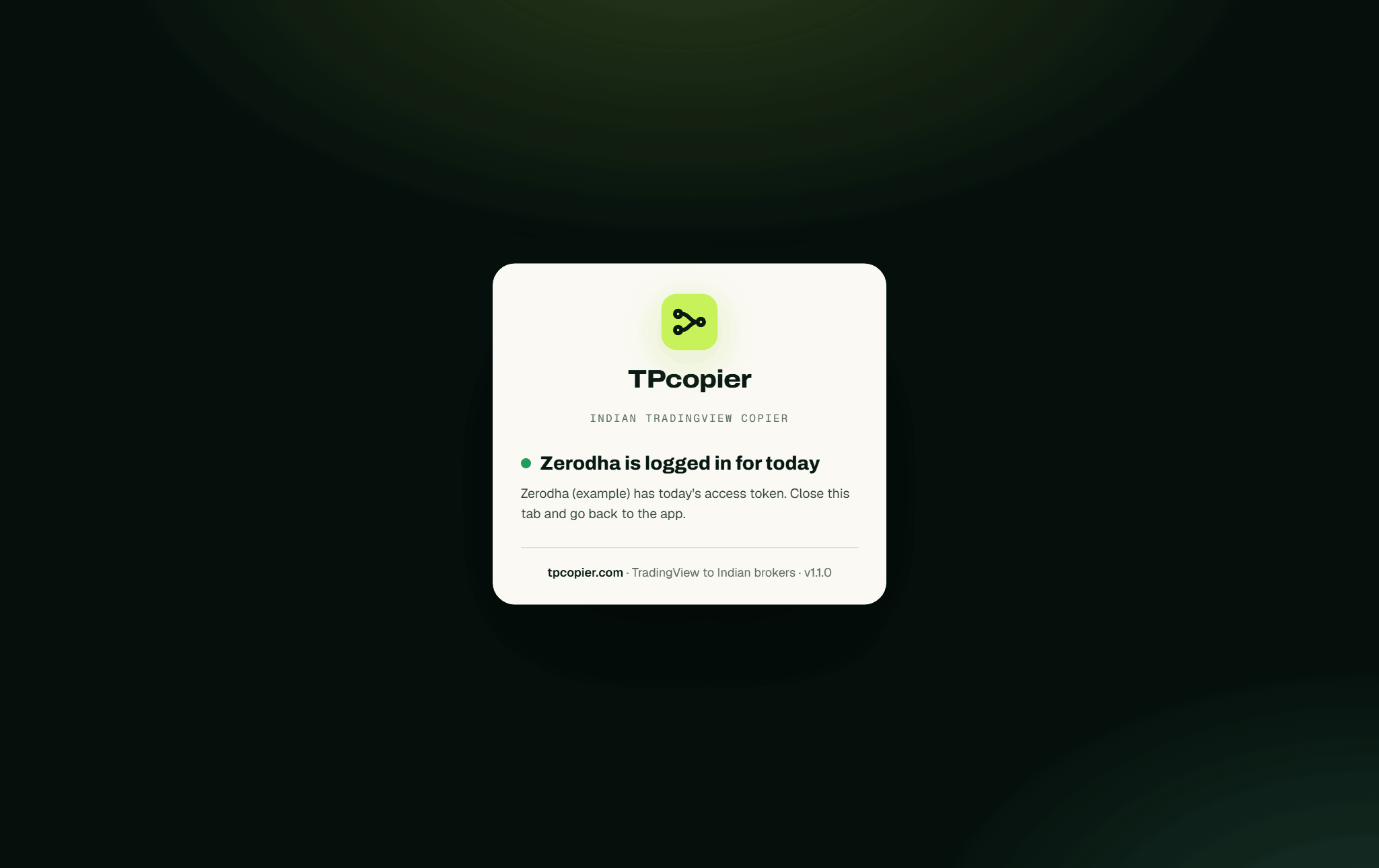 The browser after Log in with Kite: the account now holds today's token (version 1.1.0, example).
5. Open port 80
Open the program's TradingView page. It checks three things on this computer. Is the app listening on port 80? Does a Windows Firewall rule let that port in? What is your public address? If the rule is missing, press Allow port 80 in Windows Firewall. If Windows also asks whether the app may use the network, press Allow access. At home, forward port 80 on your router to this PC. On a VPS, open port 80 in the provider's firewall too.
The dashboard itself never goes on the network. Only TradingView's own servers can place an order through the alert address.
6. Copy the webhook URL and the message
Under 1 The webhook URL, marked DIRECT, copy the address. Treat it as a password, because anyone holding it can send alerts the app trades. Don't screenshot it, and press Regenerate if it leaks. The old URL stops working at once, and every alert using it has to get the new one.
2 The message holds ready-made JSON bodies with Copy buttons. There's a call buy, a put sell, an exit, and a buy with a price, a stop and targets.
 Sample messages on the TradingView page: BUY a call, SELL a put (a short) and EXIT (version 1.1.0, example).
7. Create the alert in TradingView and read it first
In TradingView's alert dialog, open Notifications, tick Webhook URL and paste the address. Put your JSON in the Message box. Before the market opens, paste the same body into 3 Try it before the market opens and press Read it. It shows which contract, size and price the alert would become, without sending anything anywhere.
 Read it on a NIFTY 24600 CE buy: it confirms the strike, the size and the entry price (version 1.1.0, example).
A test alert from TradingView then has to appear in the Signal Feed. Say TradingView sent the alert and What has arrived still shows zero. Then the alert never reached the machine, and the fault is in the network, not the settings.
The alert message
Here is a NIFTY call with a limit price, a stop and two targets:
{
  "action": "BUY",
  "symbol": "NIFTY",
  "strike": 24600,
  "option_type": "CE",
  "lots": 1,
  "price": 120.5,
  "sl": 100,
  "targets": [150, 180],
  "source": "nifty-orb"
}
Only action and symbol must be there. An option also needs strike and option_type. A few rules catch the mistakes Pine scripts make:
strikemust sit on the exchange's step: 50 for NIFTY, 100 for BANKNIFTY and SENSEX. The app refuses a strike of 24587.35 rather than rounding it. That number is what{{close}}in the strike field looks like.- It also refuses a
priceabove ₹20,000 on an option, since that's an index level in the wrong field. - Leave
priceout and the order goes at market, through the account's protective limit. Put a price in and that is the limit. - With no strike,
{"action": "BUY CE", "symbol": "NIFTY"}buys the strike whose live premium sits nearest the account's Target premium (₹). It uses the nearest valid expiry.EXIT CE,EXIT PEandEXIT ALLclose what you hold. - For a share, drop the strike and option type. With no
quantity, the account's equity size decides. sourcenames the strategy and gives it an on/off switch on the Sources page. Two strategies can then feed one account, and you can stop either one.
A strategy alert can fill the fields with {{strategy.order.action}} and {{strategy.order.contracts}}. Its exit fill reports the opposite side, though, so closing a long arrives as SELL. While Let SELL open a short is on (the default), that SELL opens a short at Zerodha. Send exits as their own alert with "action": "EXIT", or switch that setting off. EXIT closes what the broker actually shows as held.
What the app sends to Kite
The contract, exchange, lot size and tick come from Kite's own instrument list. The app reloads it every six hours. NIFTY options resolve on NFO, SENSEX options on BFO and shares on NSE. An alert with no expiry, or a past one, takes the nearest contract.
| Kite field | What the app sends |
|---|---|
quantity |
Lots × Kite's lot size, times the account's share on fixed sizes |
order_type |
LIMIT at the alert's price. With no price, a protective LIMIT 0.5% through the last price (Limit buffer through the price) |
product |
MIS, NRML or CNC, from the account's market settings |
validity |
DAY, or IOC, which Kite accepts |
autoslice |
On, so Kite splits an order above the freeze quantity instead of refusing it |
market_protection |
3% by default on MARKET and SL-M orders, which the 2026 rules say may not be zero |
Zerodha blocks SL-M orders on every BSE segment. A market-type stop on a SENSEX option therefore goes out as SL through the protection band, and the journal notes it.
By default the app only records the alert's sl and targets. Switch on Send the stop loss as a real order and the stop goes to Kite once the entry has filled. Other exits sit in the same block:
- Close at the target
- SL + target as one GTT at the broker
- Move SL above cost
- Trail the stop behind the price
When an alert doesn't reach Kite
Every alert lands in the Signal Feed with what happened to it. The { } button on an order shows the fields sent to Kite and Kite's reply.
| What you see | What to do |
|---|---|
| TradingView sent it, the Signal Feed is empty | Check port 80 on the TradingView page, the router or VPS firewall, and that the alert's URL matches the DIRECT one. On a shared home address, move to a VPS |
| "the alert is not JSON" | Paste one of the sample messages into the alert's Message box |
| Every alert refused, the top bar says Start engine | The engine is stopped, so press it |
| "signal asks for 2 lots, this account's cap is 1" | Raise Most lots in one order |
| "no Kite contract for ... - check the strike is a real one" | That strike or expiry isn't in Kite's list |
| "futures are not supported yet" | The app trades options and shares only; a futures alert is refused, never sent as a share order |
| "Kite is rate limiting this account" | Wait a second. Kite answers HTTP 403 to rate limits and dead tokens alike, and the app tells them apart, so no new token is needed |
| Nothing after 15:15 | The trading window is 09:15 to 15:15 on weekdays unless you change it under Settings, Market & session |
| A repeat alert is skipped | It arrived inside Ignore repeats within, 300 seconds by default |
Price, and who it suits
The Indian TvCopier costs $150 once for a lifetime licence on one computer. One broker account is included, and each extra account costs $30, also paid once. It's paid with Binance Pay or your TPcopier wallet, and the pricing page has the current figures. The 2-day demo gives you one account and up to 10 entry alerts a day. Exits always go through. Sales are final, which is why the demo comes first.
It suits a trader whose strategy already runs on TradingView. That trader also needs a Windows machine with a static IP, switched on through market hours. A website can't do this job for Zerodha, because of the static-IP rule. The TradingView to Indian brokers copier page covers the nine other brokers the app supports. The Indian TvCopier setup guide walks through every screen.
FAQ
How do I open a TradingView chart in Zerodha?
Kite's chart menu offers TradingView as well as ChartIQ, and Trade from Charts works on both. Those charts and their alerts live inside Kite. A webhook alert needs your own TradingView account, where your Pine scripts and their alerts run.
Can one alert trade two Zerodha accounts?
Yes, and each account sizes the order by its own settings. Two accounts registered under different static IPs need two internet connections on the computer. Each account's Static IP for this account box then picks the connection its orders leave by.
What changes if my VPS IP changes?
The Static IP band shows the new address with a warning. Register it with Zerodha and orders flow again; until then Kite refuses them.
Copy TradingView to Zerodha on Paper first
Keep the new account on Paper and point one alert at it with "lots": 1. Leave it running for two or three sessions. Check in the Signal Feed that each alert became the contract and price you expected, then untick Paper. A copier places a bad alert as faithfully as a good one. Create your TPcopier account to get the demo key.
For calls from a Telegram channel instead, see Telegram to Zerodha. Other brokers in the same app: Angel One, Upstox, Dhan, Fyers, Groww, ICICI Direct, 5paisa, Kotak Neo and Alice Blue.
TPcopier is not affiliated with Zerodha or TradingView.
Risk warning: trading options and equities carries a high risk of losing money and is not suitable for everyone. Nothing here is investment advice.